
Home Blogs Website How to Get Your Business Found on Google in Surendranagar
Posted By: Shriji Solutions
23 October, 2026
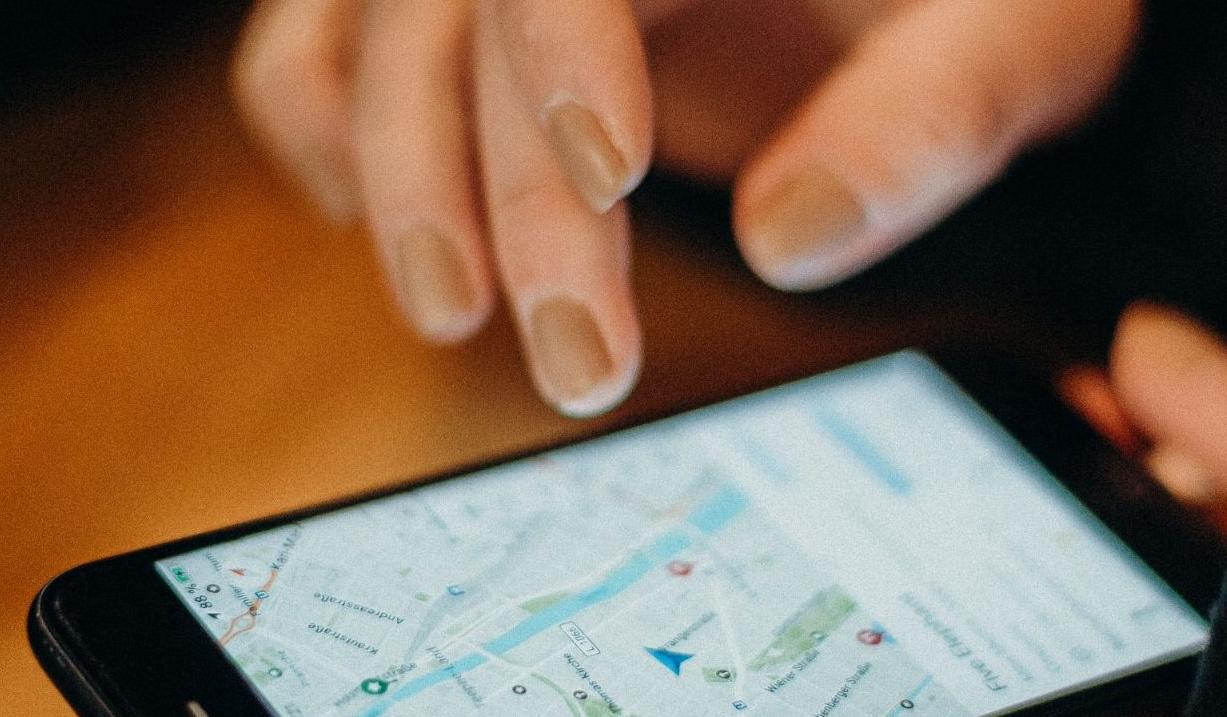
A step-by-step guide for Surendranagar businesses: how Google decides which local businesses to show, and eight things you can do so customers find you on Google Search and Maps.
When someone in Surendranagar searches for a service, for example “AC repair near me” or “CA in Surendranagar”, Google usually shows a map with three local businesses first and a list of websites below it. Most customers choose from that first screen. This guide explains, in plain language, how Google picks those businesses and the steps that help yours appear.
How Google chooses which local businesses to show
Google says its local results are based mainly on three things:
- Relevance: how well your business matches what the person searched for.
- Distance: how far your business is from the person searching, or from the place they typed.
- Prominence: how well known your business is, based on things like reviews, links and mentions across the web.
You cannot change how far you are from a customer, but you can improve relevance and prominence. Every step below helps with one or both.
1. Complete your Google Business Profile
Your Business Profile is what appears on Google Maps and in the map results. If you have not claimed and verified it yet, do that first. Then fill in every section:
- Categories: pick the main category that best describes your business, then add a few accurate extra categories.
- Services: list what you actually offer, in the words your customers use.
- Hours: keep them correct, including special hours for festivals such as Diwali.
- Description: explain what you do and which areas you serve, in normal sentences rather than a list of keywords.
- Photos: add real photos of your shop or office, your team and your work.
Our post on why every business needs a Google Business Profile explains the profile itself in more detail.
2. Use the same name, address and phone number everywhere
Google compares the details on your profile with your website and with directories such as Justdial and IndiaMART. If one listing shows an old address or phone number, Google is less sure which details are right, and customers may call the wrong number. Write your business name, full address with PIN code and phone number the same way everywhere, and update old listings whenever something changes.
3. Ask happy customers for Google reviews
Reviews are one of the clearest signals of prominence, and they help customers decide. Ask soon after a job goes well and send your review link so it takes one tap. Reply to every review, good or bad, briefly and politely. Never buy reviews or post fake ones: it breaks Google’s rules and can get reviews removed or your profile restricted.
4. Make your website clearly local
Your Business Profile links to your website, and Google reads the website to understand what you do and where you do it. Make sure your website:
- Mentions your city naturally in page titles, headings and text, for example “Website designer in Surendranagar”.
- Has a separate page for each main service, instead of one page that lists everything.
- Shows your full address, phone number and a Google Map on the contact page.
- Works well on mobile phones and loads quickly, because most local searches happen on a phone.
Google switched off the free websites that could be made inside Business Profiles in 2024 (read our news post on the closure), so a proper website of your own matters more than ever.
5. Publish useful local content
Pages that answer real customer questions help you appear for more searches. Think about what customers ask you every week: prices, timelines, how to choose, what is included. Turn those answers into helpful pages or blog posts, and mention local details where they genuinely help the reader, such as the areas you serve or projects you have completed nearby.
6. Get listed on trusted directories
Complete listings on well-known directories, trade associations and supplier websites give Google more confirmation that your business is real and where it is. Quality matters more than quantity: a few accurate listings on trusted sites are worth more than hundreds of low-quality ones.
7. Post updates on your Business Profile
Business Profile posts let you share offers, events, recent work and helpful guides. They appear on your profile and show customers that your business is active. Posting once a week or once a fortnight is a good habit for most small businesses.
8. Track what is working
Two free tools show your progress:
- Google Search Console shows which searches your website appears for, its position and how many people click.
- Business Profile performance shows how many people viewed your profile, called you, asked for directions or visited your website.
Check them once a month so you can see which changes are making a difference.
How long does local SEO take?
Quick fixes, such as correcting your profile details, can help within a few weeks. Reviews, content and a stronger website take longer: Google’s own guidance says that, in most cases, SEO work needs four months to a year to show results. Local SEO works best as a steady habit rather than a one-time job.
Common mistakes to avoid
- Adding keywords or city names to your business name on Google, which is against Google’s guidelines.
- Creating more than one profile for the same business at the same location.
- Using an address where you do not actually work or meet customers.
- Copying the same page many times and only changing the city name.
- Ignoring negative reviews instead of replying calmly.
Frequently asked questions
Is a Google Business Profile free?
Yes. Creating and managing a Business Profile is free. The cost of local SEO is mostly time, or the fee if you hire someone to do the work for you.
Do I need a website if I have a Business Profile?
It helps a lot. A website gives Google more information about your services and gives customers a place to learn more and contact you. Many people check a business’s website before they get in touch.
Can I appear in the map results for other cities?
Map results depend heavily on distance, so a business usually appears in the map results near its own address. To reach customers in other cities, create helpful service pages and content on your website rather than using an address where you do not work.
Need help getting found on Google?
Shriji Solutions is a website and software company in Surendranagar. Our SEO services cover keyword research, on-page and off-page SEO, content and clear reporting. Contact us for a free quote.
